Setup your Git on Mac
In the last tutorial you have learned about how to get the setup done in the windows system, in this tutorial we will help you setup on Mac. This may feel very different from the windows setup, as we use homebrew and more mac terminal command to set it up. Now if you are wondering what is Homebrew, it's a package manager for mac.
Step 1: Installing Git on Mac
There are four ways we can install Github on mac
1. Install Via Homebrew
2. Xcode Approach
3. Binary Installer
4. Building from source
Here in this post, we will be using homebrew to install, Go to the homebrew website, copy the install command, once copied go to the mac terminal copy-paste the code, Mac will ask you to enter the system password, click enter. It may take 2 to 3 minutes to install homebrew
-
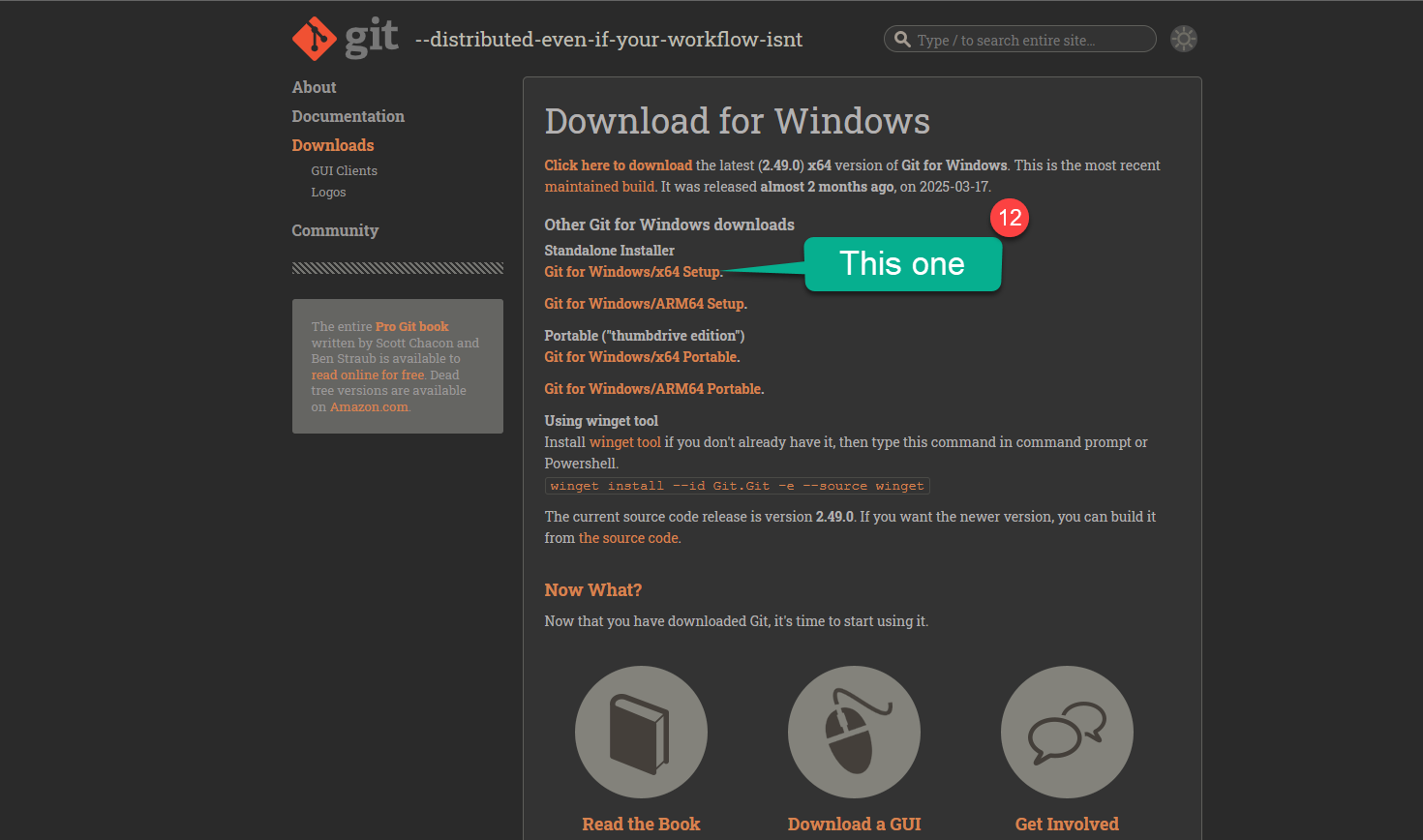
Go to the Git Website and click on download for mac button.
https://brew.sh/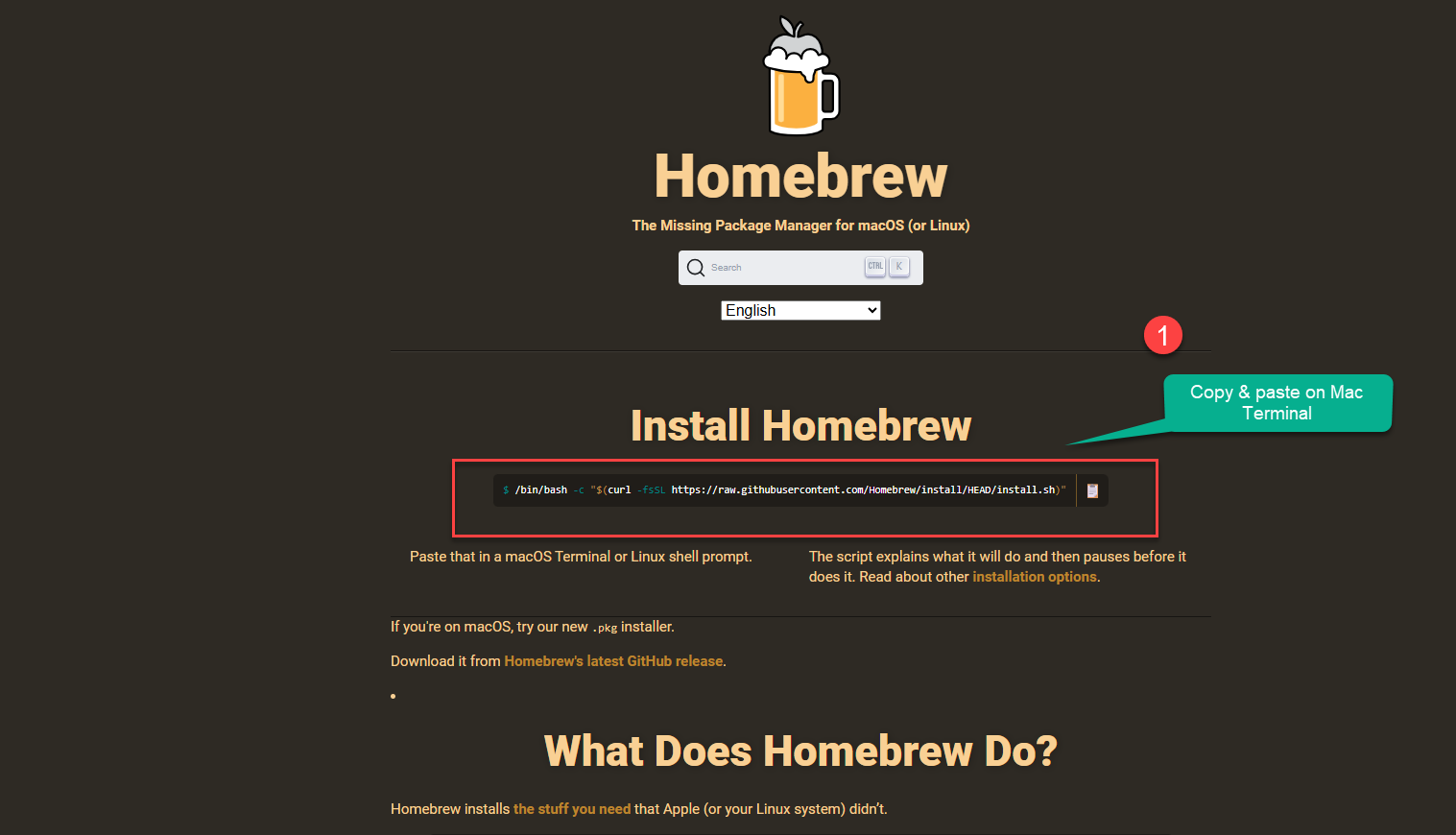
Step 2: Select your Version you want to insatll.
- Once Installed use the below command to check version of the brew on terminal brew -v
Now you can install git on mac system by entering below command on terminal, In future if you want to update the version of git installed on mac or windows use the git clone https://github.com/git/git command on terminal or git bash.
brew install git-gui
- Installer: Get the Installer
Conclusion
In conclusion, I hope you enjoyed reading this article on “Setting up your Git Enviornment?”. In the next post, will be discussing using Git to create a Repository and clone a project Github. Signing off Sanjay Viswanathan.